3. Activate
Activation Methods
You can activate the software using one of the following methods:
Online Activation (recommended)
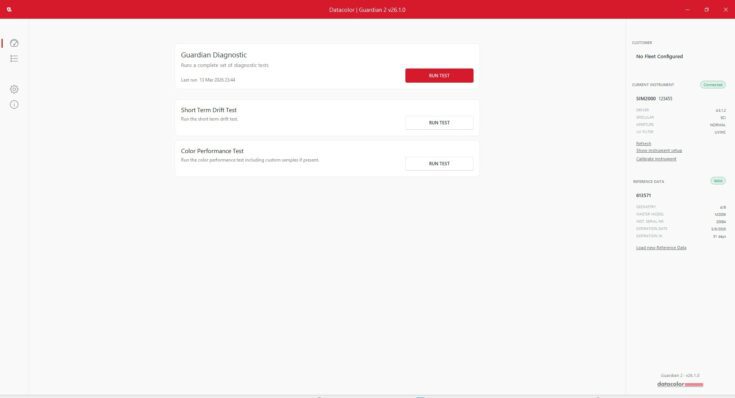
Launch the software and follow the instructions in the License Activation dialog box. Use the activation details provided in your Datacolor email.
Offline Activation
If you do not have internet access and need to activate offline, please contact Datacolor Support. For additional information, access our offline activation guide.
You will receive an email containing your software activation details.
For Guardian 2 with Tile set:
The email includes one line of text with three values, separated by semicolons (;).
Guardian 123456-12345 ; 5E6F7G8H:
Guardian 123456 – Guardian tile serial number
The value below corresponds to a specific field in the software:
- 12345 – License ID
- 5E6F7G8H – Activation Password
Enter each value into the matching field during activation.
For Software License only:
The email includes one line of text with two values, separated by semicolons (;).
Example Activation Code:
12345 ; 5E6F7G8H
The value below corresponds to a specific field in the software:
- 12345 – License ID
- 5E6F7G8H – Activation Password
Enter each value into the matching field during activation.