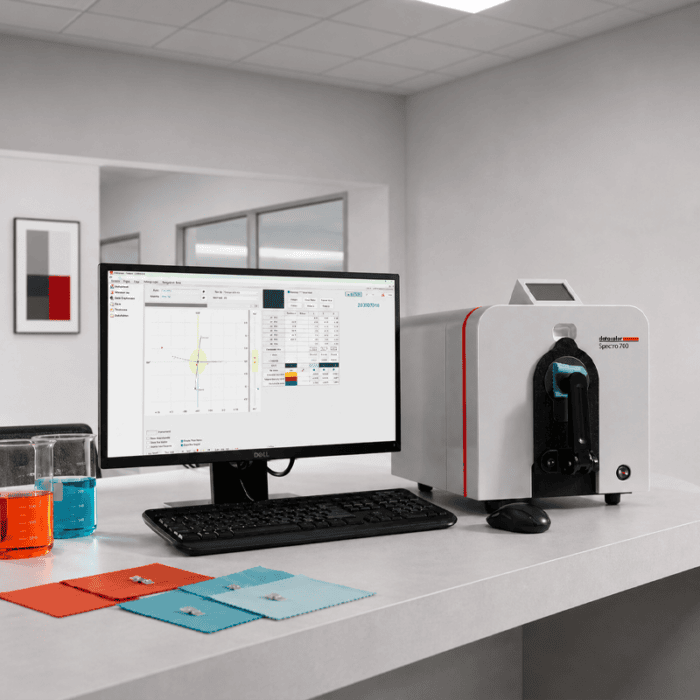
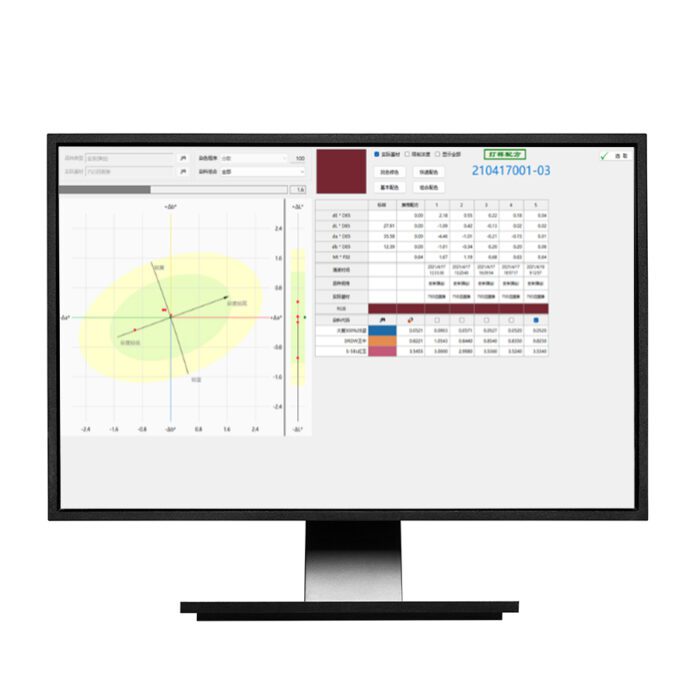
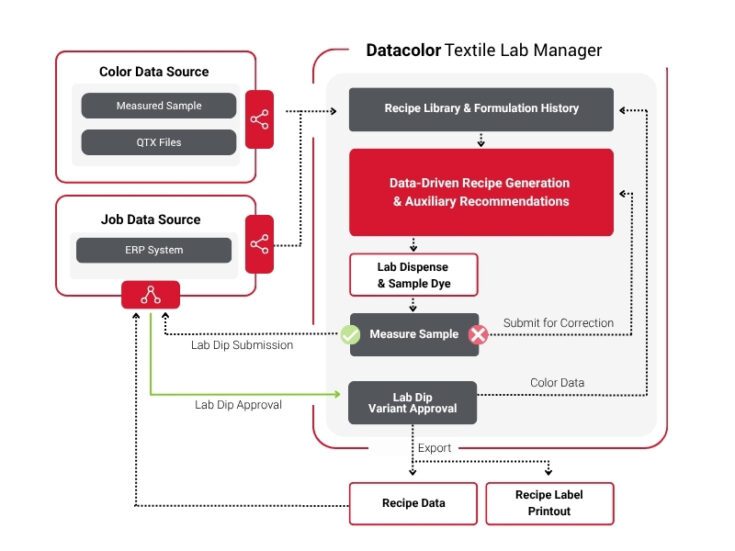
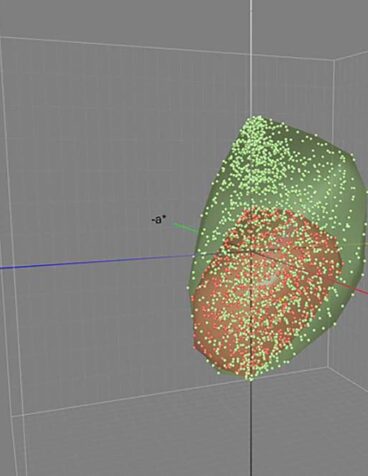
Textile Lab Manager is offered in two feature levels
Textile Lab Manager Essentials
Our entry-level offering that includes core lab workflow capabilities: job management, recipe formulation, lab recipe correction, visual recipe adjustment, and basic dispenser connectivity via .rcp file export. Designed for labs looking to modernize and standardize their color development process.
Textile Lab Manager Standard
Our full-featured package that includes everything in Essentials, plus data-driven recipe matching, rule-based chemicals management, ERP integration readiness, lab performance reporting, operators’ statistics reporting, and full native dispenser connectivity. Designed for high-volume labs that require maximum automation, system integration, and operational visibility.
Datacolor Textile Lab Manager Software Specifications
| Feature |
|
Essentials |
Standard |
| Lab Preparation |
Configure Calibration sample & Articles, dyestuff, chemicals, colorant set…and all you need to set your formulation engine |
|
|
| Job Management |
Organize and prioritize color development jobs across the lab, assign work to technicians by queue, and track progress from submission to completion in one centralized view. |
|
|
| Recipe Formulation |
Automatically search accumulated recipe data to find the closest existing formulation to a new color target, then apply corrections to reach the approved result. |
|
|
| Lab Recipe Correction |
Apply color correction at the lab stage with visual coordinate tracking to maintain accuracy when refining a lab dip. |
|
|
| Visual Recipe Adjustment |
Fine-tune color coordinates through an interactive visual interface, allowing colorists to see exactly where a sample sits relative to the target and adjust accordingly. |
|
|
| Lab Performance Reporting |
Generate insights into lab output and throughput over time, supporting continuous improvement and informed operational decisions. |
|
|
| Data-Driven Recipe Matching |
Advanced data-driven algorithm that goes beyond standard search and correct matching, generating optimized recipe recommendations from historical formulation data to deliver superior accuracy and fewer physical trials. |
|
|
| Rule-Based Chemicals Management |
Recommend the appropriate auxiliaries based on dye concentration and substrate conditions, reducing reliance on individual technician judgment. |
|
|
| ERP Integration Readiness |
Enables bidirectional connectivity with your ERP system, allowing color and recipe data to flow consistently across your business without manual re-entry.
This feature enables integration; the ERP connection itself is configured separately. |
|
|
| Operators’ Statistics Report |
Detailed performance reporting at the operator level to monitor technician efficiency and support lab management decisions. |
|
|
| Bi-directional link to Dispenser |
Export and import recipes directly to connected lab dispensers for automated weighing and dispensing. |
.rcp files only |
|
Talk to a Color Expert
Software Maintenance Support
Maximize Efficiency with Continuous Updates
Ongoing access to the newest features and color technology improvements, keeping you current and operating at peak efficiency.
Ensure Smooth and Reliable Performance
Compatibility with the latest operating systems and database technologies through regular updates; prevent out-of-date legacy issues and ensure smooth, dependable color management process.
Safeguard Your Operation
Benefit from enhanced protection on the newest platforms and most advanced threat prevention capabilities.
Consult with a Color Expert
Access to Datacolor’s color experts via phone and email for assistance and expert advice, helping you maintain precision and efficiency in your operations.
Learn more about Software Maintenance Support
Customers on an active Software Maintenance Support plan can contact Datacolor support for the latest update.
*Active Software Maintenance Support plan required. Excludes installation, training, and on-site support
System Requirements
| Component | System Requirements |
| Operating System | Windows 11 (Pro or Enterprise Only) |
| Required Framework | Microsoft .NET Framework 4.7.2 or higher |
| Processor | Dual Core or higher (See Windows operating system requirements) |
| Memory | 8 GB or more |
| Hard drive | 500 GB
For ToolsSV: SSD 1 TB Min, 4 TB
|
| Display | 1920x1080 - size of text only 100% supported |
| Graphic card | Graphic card supporting OpenGL 2.1 |
| Connections | Serial, USB, Bluetooth or Ethernet (depending on spectrophotometer model) |
| Server OS | Windows Server 2016, 2019, 2022 |
| Additional Requirements | Only for Paint 2.X: SQL Server 2022
Only for Tools 2.X: SQL Server 2012 to 2019
|
| Internet Connection | Internet access recommended for software updates and license activation |
| LAN Connection | For ToolsSV - Network should be 1 GBPS min |
| |
| Notes | Lower system configurations may limit performance, data capacity and operation of some features. Faster processor, more memory and faster hard drives will significantly enhance performance. |
Get Support