Benchtop Spectrophotometers

Guardian 2 for Optimal Spectrophotometer Performance

Predictive measurement monitoring service that gives peace of mind

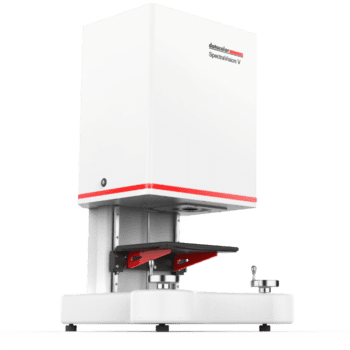
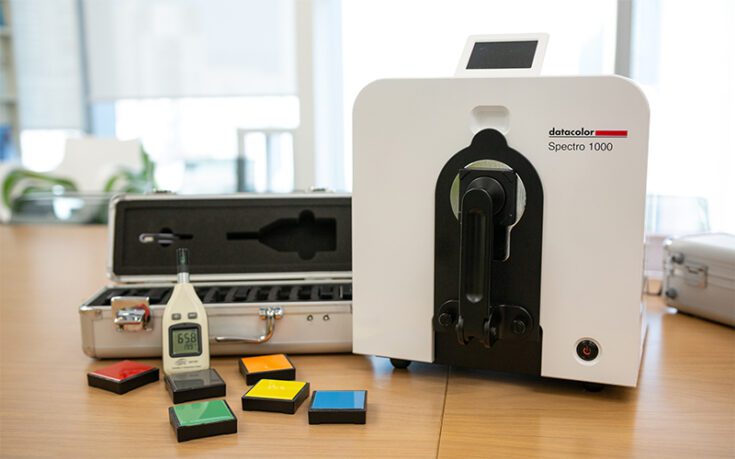
Designed to give you peace of mind, the Datacolor Guardian 2 is a predictive measurement monitoring service that ensures optimal performance of your spectrophotometer.

Every day, your business and your customers depend on your color management system to perform at the highest, most reliable level possible. You can rely on Datacolor Guardian 2 to provide predictive maintenance of all your Datacolor spectrophotometers with periodic, remote diagnostic testing reviewed by trained Instrument Experts.

Benefits of Datacolor Guardian 2:

  • Prevent Unexpected Failures – Minimize downtime with early issue detection.
  • Optimize Performance – Ensure consistent, accurate measurements.
  • Reduce Costs – Avoid emergency repairs and production errors.
  • Expanded Compatibility – Compatible with Datacolor Spectro Family include d/8, d/0, 45/0
  • Sustainable – Eco-friendly packaging with 50% less material.
There is tabbed content below. Use the arrow keys to navigate through the tabs and the tab key to read the content.

Visit the FAQ Hub to Get All of Your Questions Answered

See how my peers are using the Guardian

Status code ’00211’ is an indicator that the green tile result is high. This is an indicator that the instrument has a problem or if it is a loaner or recently serviced instrument the green tile data needs to be deleted and reset.
The LCD Status Display includes a color coded (green, yellow, red) Instrument Status bar. Normally, this bar will be green in color and the Status Codes field will be blank. Certain conditions, including the ones listed below, may cause the Instrument Status bar to be yellow or red in color. Corresponding Status Codes will also be displayed. Should these conditions occur, please contact your local Datacolor office for more information and guidance regarding next steps.

Item Condition Code and Color
Age of White Tile

(Replacement recommended yearly)

10-12 months old 00111; Yellow
> 12 months old 00121; Red

Control Measurements

(Taken during Calibration)

dE > .5 for a given set of measurement conditions. 00212; Red
.5 >= dE >= .35 for a given set of measurement conditions. 00211; Yellow
Time since last Maintenance and Certification > 12 months 00311; Yellow

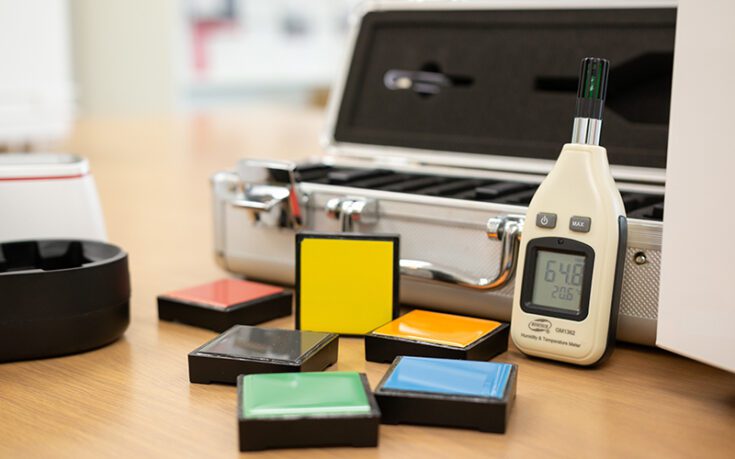
To provide accurate data, your spectrophotometer needs to be well-maintained. This includes calibrating it daily, at the start of a shift, or before beginning any important measurement job. Here’s what you need to know about calibration tiles: How to Store, Use and Clean Your Calibration Tiles | Datacolor

If you have a failure on the green tile, then please check the following items.

  1. Clean the green tile with a soft paper tissue
  2. Check the green tile for scratches.
  3. Clean also the white tile with a soft paper tissue.
  4. Check on the calibration screen of the software which aperture is selected.
  5. Now verify that the same aperture is on the instrument.
  6. If that is correct recalibrate the instrument.
  7. If you still have a failure, call your Datacolor representative

Cause: The instrument does not communicate with the PC, the instrument goes automatically on Simulus mode.

Solutions: Check the cable, Restart the instrument, and check your instrument configuration and calibration (Page 3 of the Tools Quick Start Guide).

If not fixed, contact your Datacolor local support.

Peace of mind with Datacolor Guardian

Confidence + Reliability = Greater Customer Satisfaction.

Datacolor Guardian 2 offers you comprehensive, ongoing service and support, diagnosing problems before they occur, giving you peace of mind at a very affordable price.

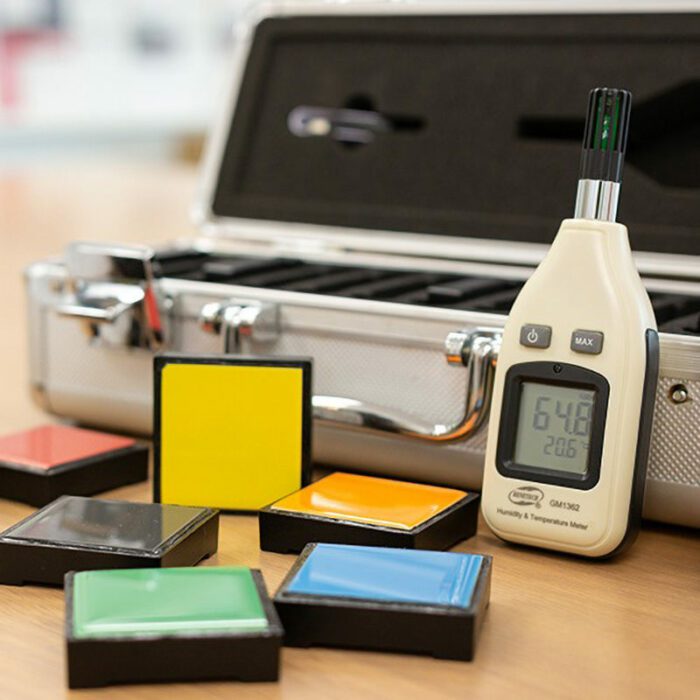
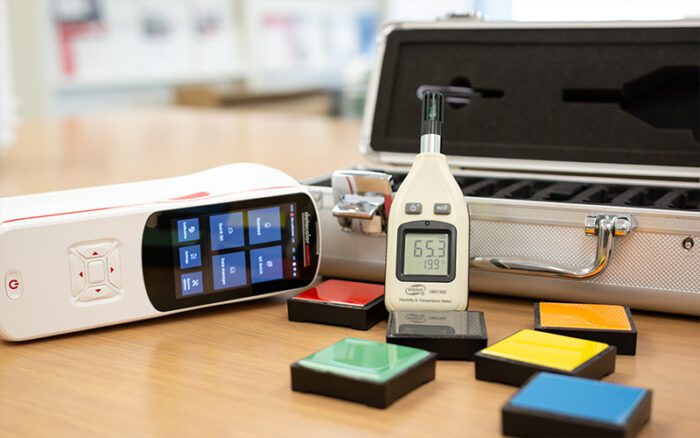
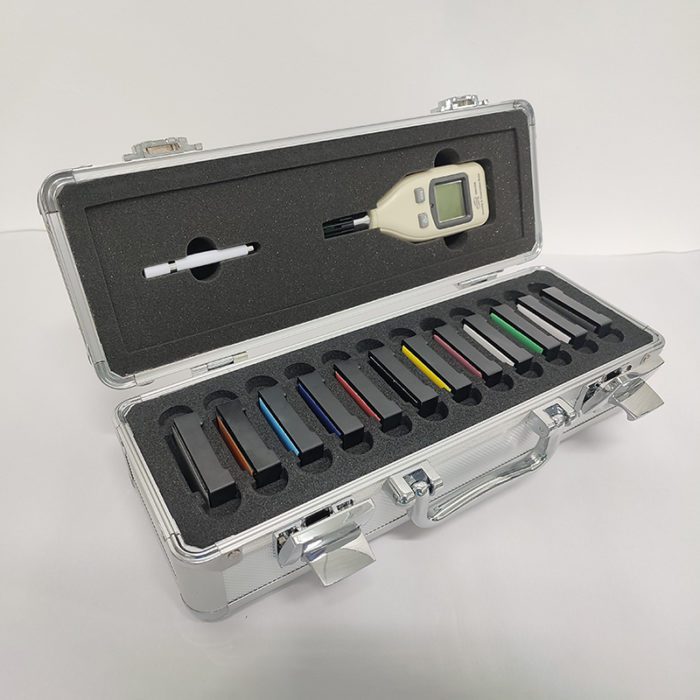
You can easily correlate your instruments with the Datacolor Master using cost effective, reference grade, and disposable ceramic tile eliminating or reducing production errors and saving money & time.

Monitor the performance of instruments across your supply chain with Guardian 2. The optional DataManager add-on delivers detailed diagnostic results for both local and fleet-wide reporting, while FleetConfigurator allows administrators to define specifications, fleet structure, and reporting preferences. All insights are supported by Datacolor specialists who analyze diagnostics and recommend proactive maintenance.

Talk to a color expert today to see how the Guardian can give you peace of mind.


Chat with a Color Expert

Pison Stream


“I am diehard Datacolor. The systems we have in place work fantastically and look great. With Datacolor, it’s a true partnership in innovation and our business would not function at its scale without them.”

Joseph James

Featured Library Resource

Do I need service and repair coverage?

Purchasing a spectrophotometer is a big decision and long term investment. To better protect that investment, you should consider regular calibration and preventive maintenance.

Get your peace of mind

featured webinar

Fine-tuning your spectrophotometer

Explore the proper use and maintenance of a spectrophotometer to ensure accuracy in measurements.

Get the recording

Spectrophotometer Support
Benefits of regular service
People working together in a conference room.

Measure Confidently with Datacolor Guardian 2

Your color challenges matter. Talk to a color expert today to see if Datacolor Guardian 2 is right for you.

More