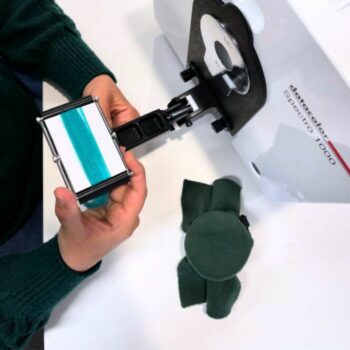
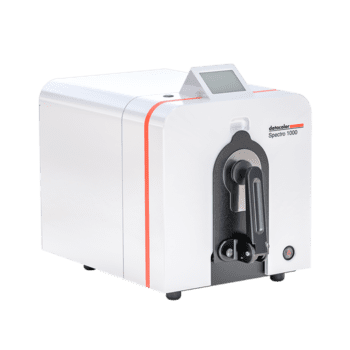
Accurate color measurement starts with proper calibration.
Your spectrophotometer relies on calibration standards to produce reliable data. If calibration tiles are dirty, damaged, incorrectly handled or used with the wrong instrument, measurement accuracy can suffer.
For quality control teams, this can lead to:
- Inconsistent color data
- Poor repeatability
- Weaker inter-instrument agreement
- Unreliable pass/fail decisions
- Unnecessary rework or corrections
Calibration tiles are precision standards. They should be stored, handled, used and cleaned with the same level of care as the spectrophotometer itself.
Related reading: using a spectrophotometer for color measurement and why you should care about inter-instrument agreement.
Why Calibration Tiles Matter
Calibration aligns the spectrophotometer to known reference standards.
This helps ensure that color measurements are:
- Accurate
- Repeatable
- Comparable over time
- Compatible with other instruments where applicable
Most organizations calibrate daily, at the start of each shift or before critical measurement work.
Calibration is especially important when color data is used for digital color communication, supplier approvals, quality control or global production workflows.
Related reading: keys to reliable digital color communication.
The Different Types of Calibration Standards
Spectrophotometers commonly use several calibration references.
Black Trap
Absolute black is measured using a zero-reflectance reference, often called a black trap.
The black trap absorbs light and establishes the instrument’s black point.
It must remain free of dust, fibers, fingerprints and debris.
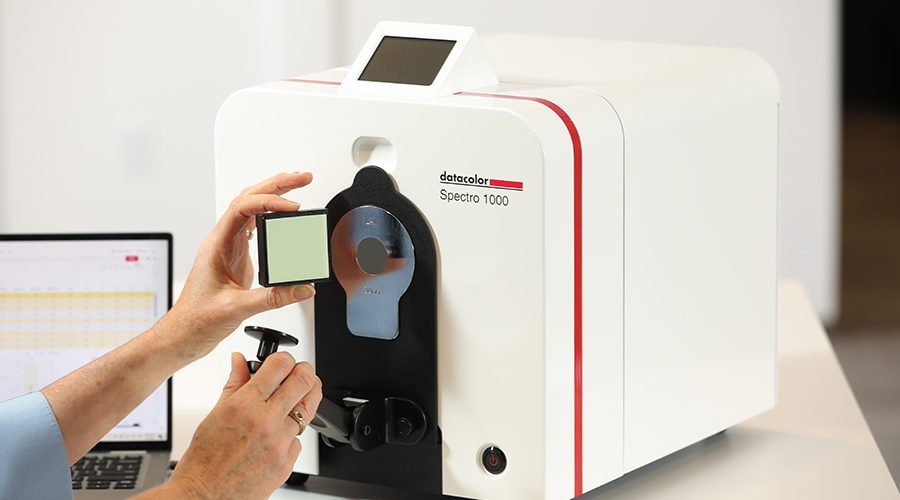
White Calibration Tile
The white tile is a serialized reference standard associated with a specific instrument.
Its reflectance data is stored in the instrument, which means the tile should only be used with the spectrophotometer it belongs to.
Using the wrong white tile can produce inaccurate calibration and unreliable measurement results.
Diagnostic Tiles
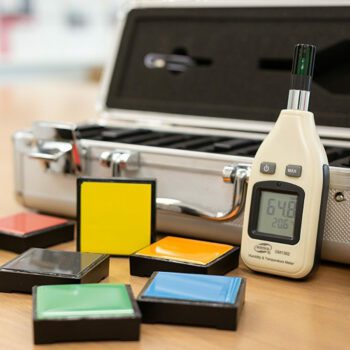
Blue or green tiles are often used as diagnostic references.
These help verify instrument performance and detect potential issues before they affect measurement accuracy.
How to Store Calibration Tiles
Calibration tiles should always be protected when not in use.
Best practices include:
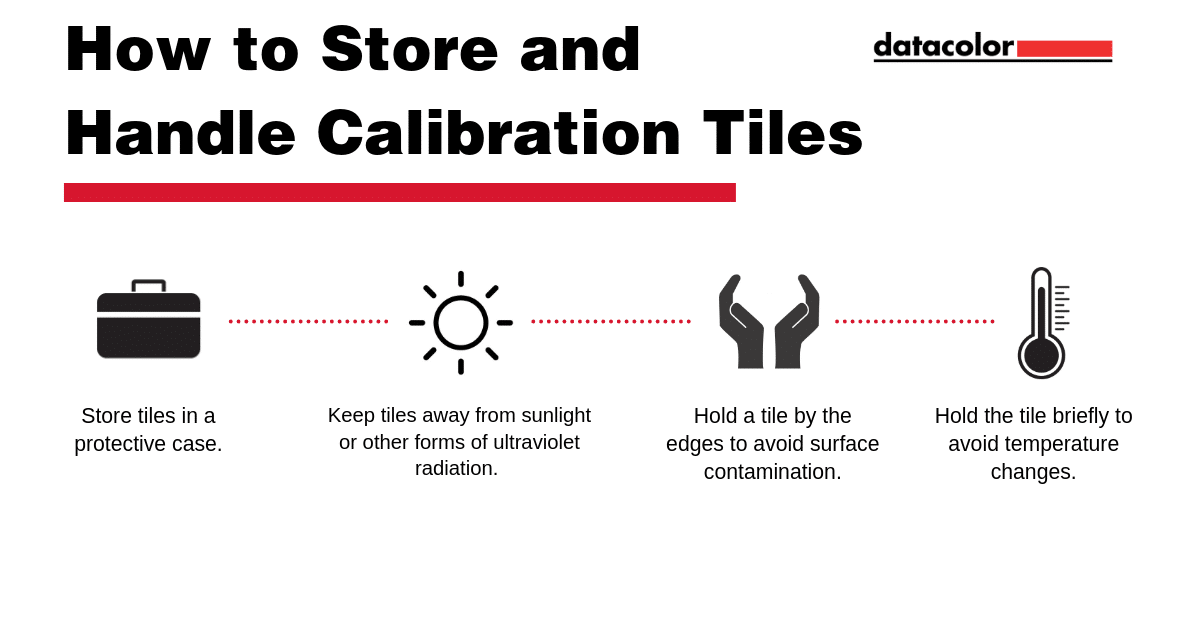
- Store tiles in their protective case.
- Keep tiles away from direct sunlight.
- Avoid ultraviolet exposure.
- Protect tiles from dust, moisture and chemical vapors.
- Store them in a clean, stable environment.
Poor storage conditions can contaminate or degrade tile surfaces, reducing confidence in calibration and measurement data.
Related reading: best conditions for accurate color data.
How to Handle Calibration Tiles
Calibration tiles should be handled carefully to prevent contamination or temperature changes.
Always:
- Hold the tile by the edges of its holder.
- Avoid touching the tile surface.
- Handle the tile only briefly.
- Avoid breathing, wiping or cleaning more than necessary.
- Inspect the tile before use.
Fingerprints, oils, dust and abrasion can all affect measurement accuracy.
Even small surface contamination may influence calibration results.
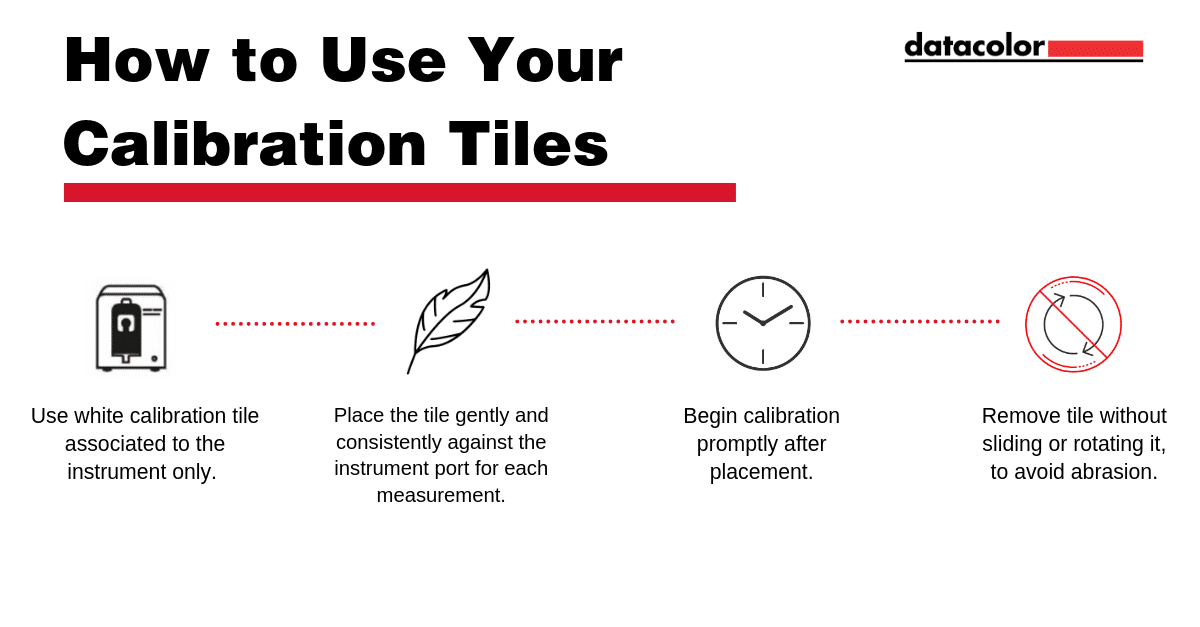
How to Use Calibration Tiles
Use calibration tiles consistently every time.
Best practices include:
- Use only the white calibration tile assigned to that instrument.
- Place the tile gently against the instrument port.
- Position the tile consistently for each calibration.
- Complete measurements promptly.
- Remove the tile without sliding or rotating it against the aperture plate.
- Never use the white tile for any purpose other than calibration.
Sliding or rotating the tile against the port can cause abrasion over time.
That abrasion may affect reflectance and reduce calibration reliability.
How to Clean Calibration Tiles
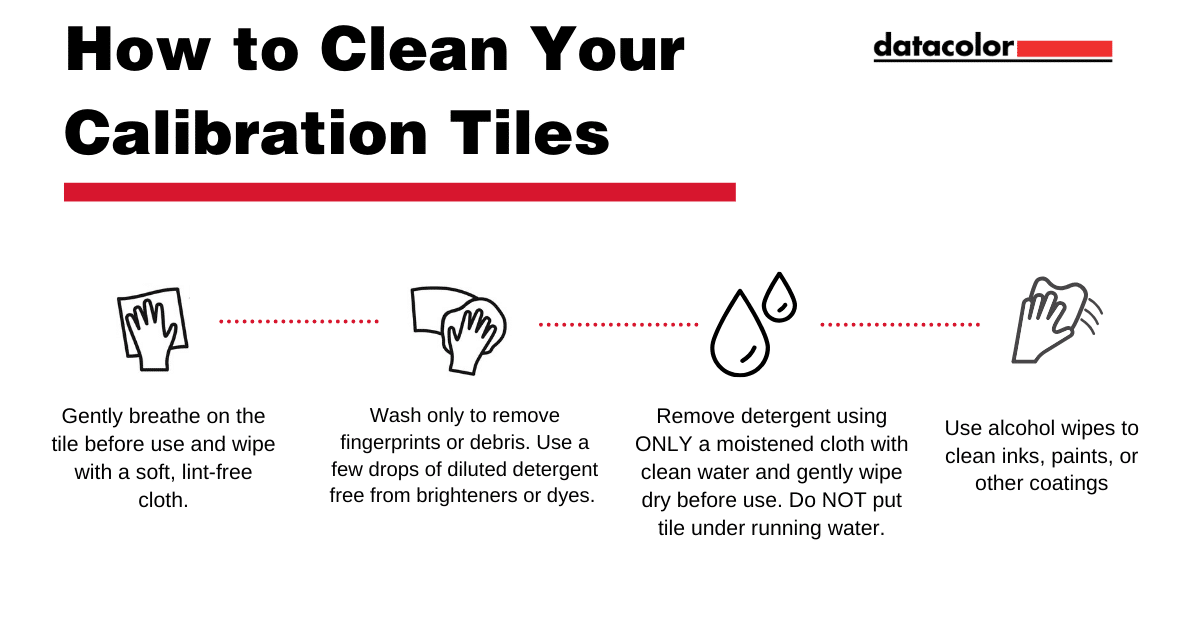
Clean calibration tiles only when needed.
Unnecessary cleaning increases the risk of abrasion or surface damage.
Before Use
Gently breathe on the tile and wipe it with a soft, lint-free cloth.
This can remove light surface dust without harsh cleaning.
If Fingerprints or Debris Are Present
Use a diluted detergent solution that is free from brighteners or dyes.
Best practice:
- Apply only a few drops of solution to a soft, lint-free cloth.
- Gently wipe the tile surface.
- Remove the solution with clean water on a cloth.
- Gently wipe the tile dry before use.
Do not submerge the tile in water.
Submerging the tile can permanently damage it.
If Ink, Paint or Coatings Are Present
Alcohol wipes may be used to soften residue.
Use care to avoid abrasion.
After removing residue, clean with diluted detergent and dry gently.
What Not to Do
Never:
- Immerse calibration tiles in any liquid.
- Use abrasive cleaners.
- Scrape the tile with metal objects.
- Use damaged tiles.
- Use the white tile with another instrument.
- Touch the tile surface with bare fingers.
- Leave tiles exposed to sunlight or dust.
If a calibration tile becomes scratched, chipped, stained or otherwise damaged, it should be replaced.
Damaged calibration standards can compromise every measurement that follows.
Calibration Tile Care Checklist
Before calibration:
| Calibration Tile Check |
Completed |
| Confirm the tile belongs to the instrument. |
Yes / No |
| Inspect the tile for dust, fingerprints or damage. |
Yes / No |
| Handle the tile only by the holder edges. |
Yes / No |
| Clean the tile only when necessary. |
Yes / No |
| Position the tile consistently. |
Yes / No |
| Remove the tile without sliding it against the aperture plate. |
Yes / No |
| Return the tile to its protective case immediately after use. |
Yes / No |
Better Calibration Supports Better Color Decisions
Calibration tiles may seem like small accessories, but they play a critical role in color measurement accuracy.
When properly stored, handled and cleaned, they help maintain:
- Accurate measurements
- Repeatable color data
- Stronger quality control
- Better inter-instrument agreement
- More reliable digital color communication
For more guidance, explore a guide to color spectrophotometer best practices or contact the Datacolor support team for help with instrument care and calibration procedures.
Need Help with Instrument Care or Calibration?
The Datacolor support team can help you maintain reliable instrument performance and accurate color measurements.
Contact Datacolor Support

 Want to Get Color Right?